

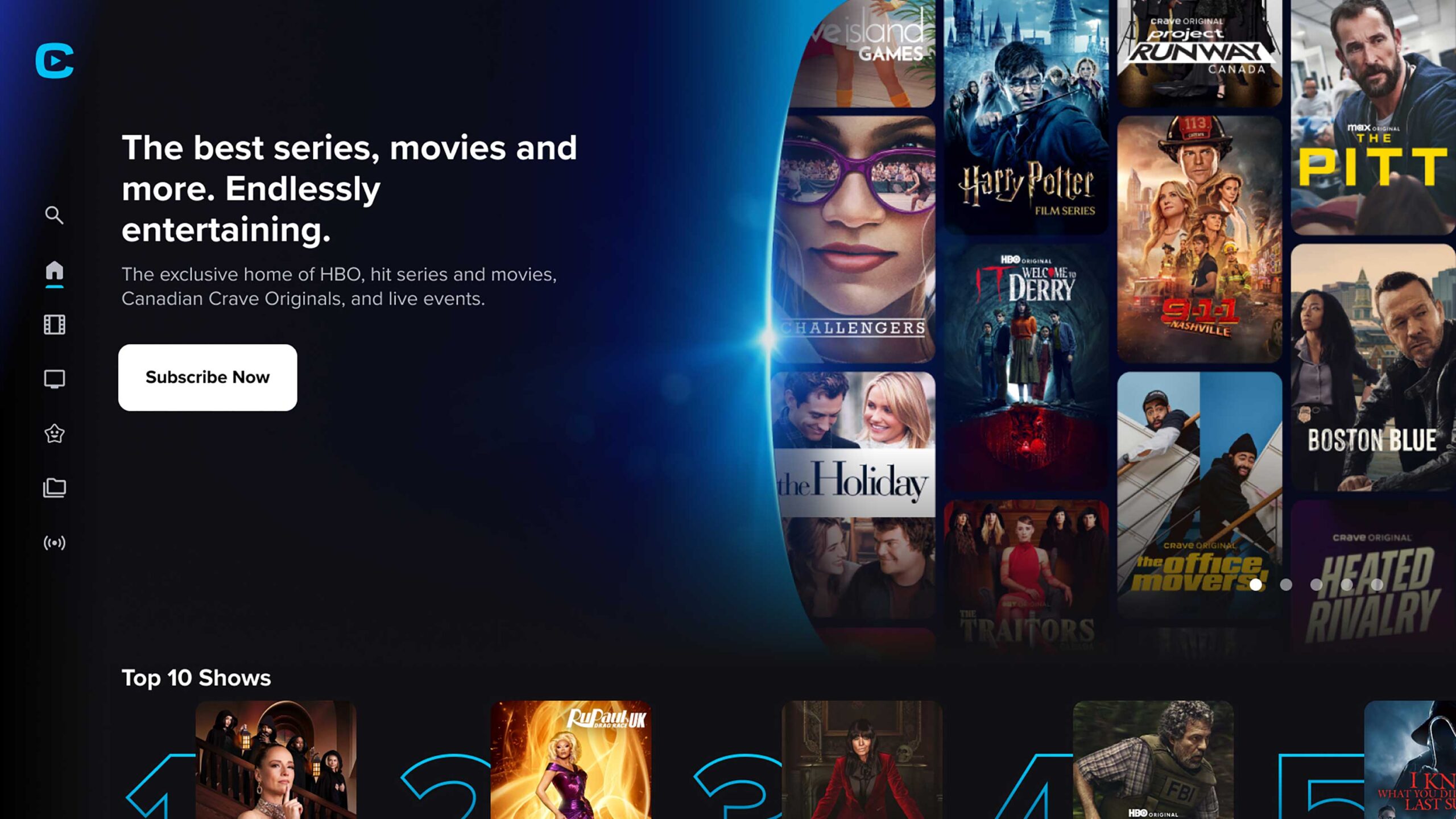
Activating your free Crave subscription through Bell connects your telecom package to premium streaming content. Whether you received this offer alongside a new internet plan, TV package, or mobility service, you must link your Bell service to a dedicated streaming profile. This process prevents duplicate billing and secures your viewing history.
Before You Begin
Gather your login credentials before starting the activation process. You need your MyBell username and password to verify your eligibility. If you previously used Crave, you also need the email address associated with your existing Bell Media Account. Connecting an existing account ensures you retain your watchlist, profiles, and viewing preferences.
If you currently pay for Crave through an In-App Purchase (IAP) provider like Apple or Google, linking your Bell account does not automatically stop your existing payments. You must manually cancel your previous billing arrangement to avoid duplicate charges.
Method 1: Activating Through MyBell
The most direct way to activate your free subscription is through your account management portal. Bell typically sends an activation email immediately after you add an eligible service to your account.
1.Access the Activation Link:Use your email or the MyBell portal.
Open the order confirmation email from Bell and click the Activate now button. Alternatively, navigate to the MyBell portal in your web browser and sign in securely.
2.Navigate to Subscriptions:
Open the My services tab and select Subscriptions. Click on Manage subscriptions to view your available streaming offers.
3.Trigger the Activation:
Locate the Crave offer in your list. Click Activate now next to the unactivated Crave subscription visit website crave.ca/begin. This action opens a new browser tab redirecting you to the Crave platform.
4.Link Your Media Profile:
Enter the email address for your Bell Media Account. If you do not have one, enter your personal email address and follow the prompts to create a new profile. Enter the verification code sent to your inbox to finalize the link.
Method 2: Activating Directly on Crave
If you cannot access the MyBell portal or prefer to set up your profile directly through the streaming platform, you can authenticate your television provider on the Crave website.
1.Visit the Streaming Site:
Open a web browser and navigate to Crave.ca. Click Sign in at the top right corner of the screen.
2.Select Your Provider:
Click the Sign in Through TV Provider button visit crave.ca/tvprovider. Locate and click the Bell logo from the list of available Canadian television and mobility partners.
3.Authenticate Your Service:
Enter your MyBell login credentials on the secure Bell portal. This verifies your active Bell services and authorizes the free subscription.
4.Finalize the Account:
Provide your email address to sync the subscription with a Bell Media Account. Enter your password if you have an existing account, or set a new password if you are creating a fresh profile.
You May Also Like- How do I activate MyBell account website identification.bell.ca/activate.
Device Setup and Viewing
Once activated, you can stream content across multiple platforms simultaneously. Download the Crave app on your preferred Smart TV, mobile phone, or streaming stick. Launch the application and select Sign in.
For television devices, you can sign in manually using your on-screen remote, or you can scan the QR code displayed on your screen using your mobile device for faster entry. Enter the email and password for your newly linked Bell Media Account to authenticate the hardware. Keep in mind that watching completely free content tiers, such as CTV Throwback, requires no activation at all—you simply need to sign into the app.
You May Also Like- How do I activate my FanDuel account website fanduelsportsnetwork.com/activate.
Conclusion
Activating your free Crave subscription requires linking your eligible Bell telecom service to a centralized media profile. By completing these steps through MyBell or the Crave website, you verify your eligibility and secure access to premium content across all your devices. Always monitor your active subscriptions within the MyBell portal to manage your services and prevent accidental billing overlap.